myResearchQuill is a research notebook for students. Collect and cite your sources, record your lectures and keep your week in order, on iPhone, iPad and Mac.
Free. No account, no ads, no tracking.
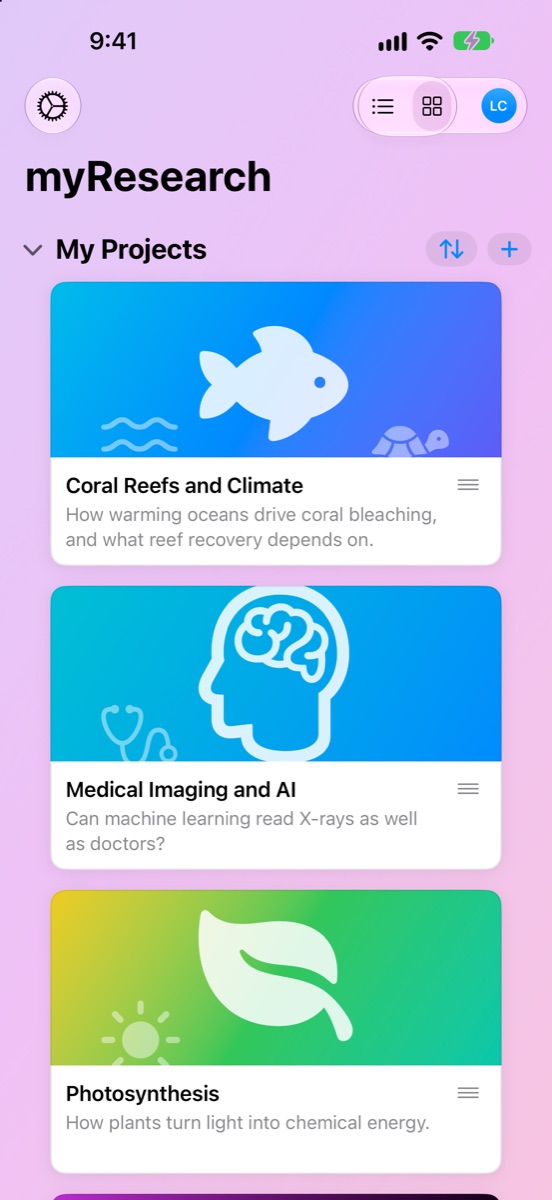
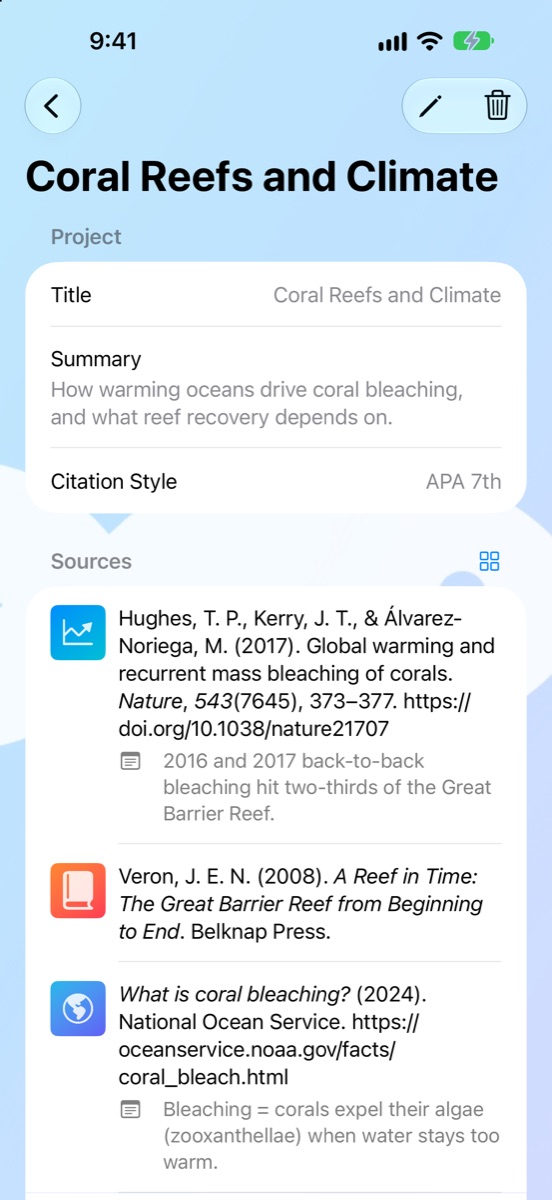
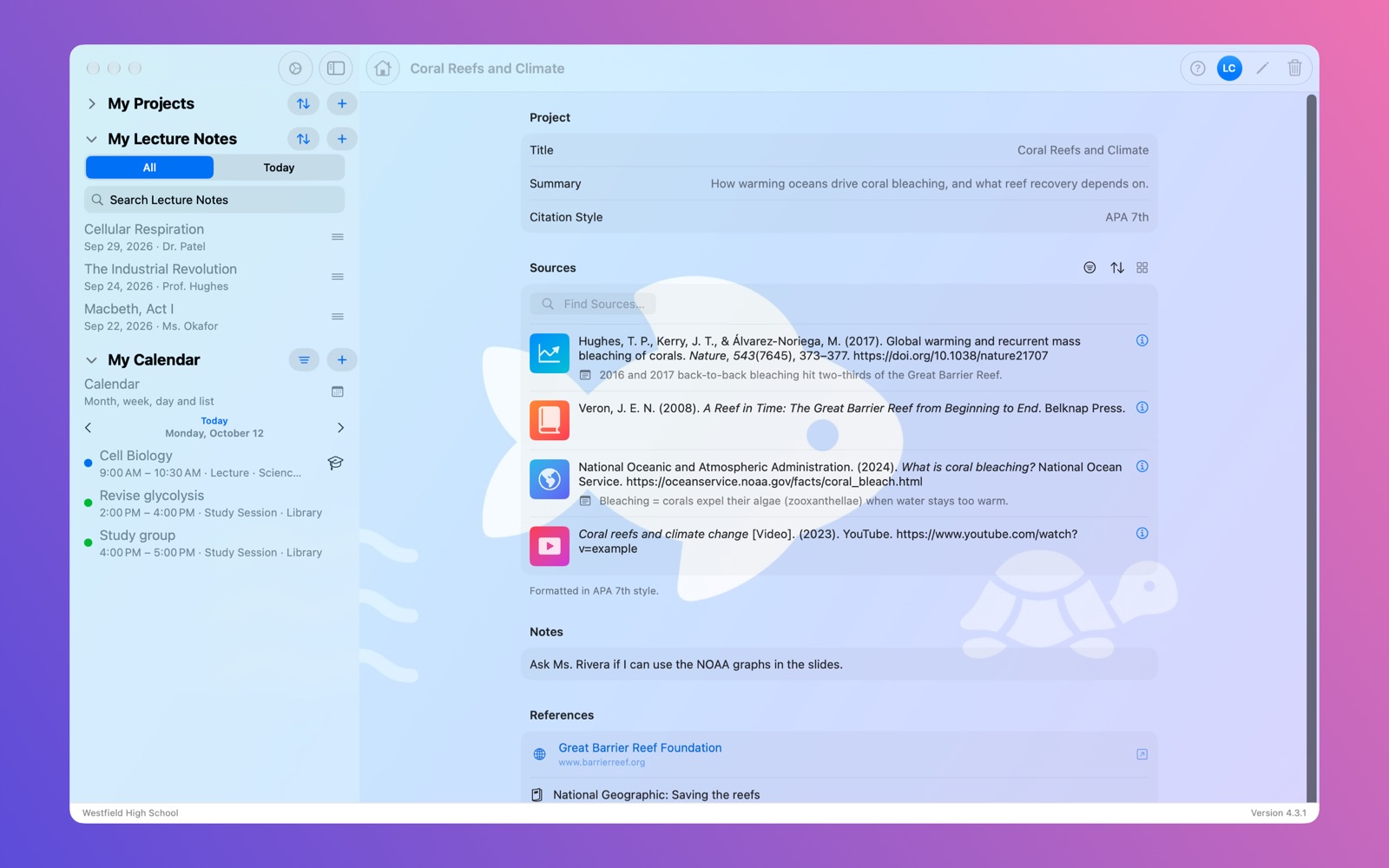
What it's for
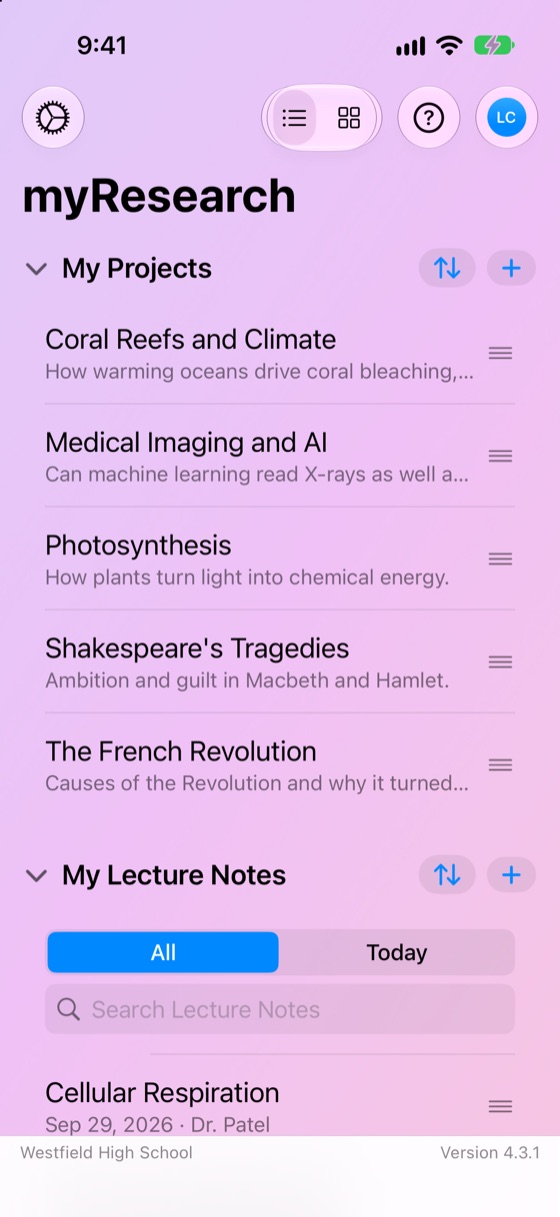
Most students keep sources in one place, lecture notes in another, recordings on their phone and the timetable somewhere else. myResearchQuill keeps them together and links them up.
One project per assignment. Add books, articles, websites and videos, with notes against each.
Projects and sources →Your reference list is formatted as you type, in APA, MLA, Chicago, Harvard and six more.
See every style →Search five free academic indexes from inside a project, and your library's databases in one tap.
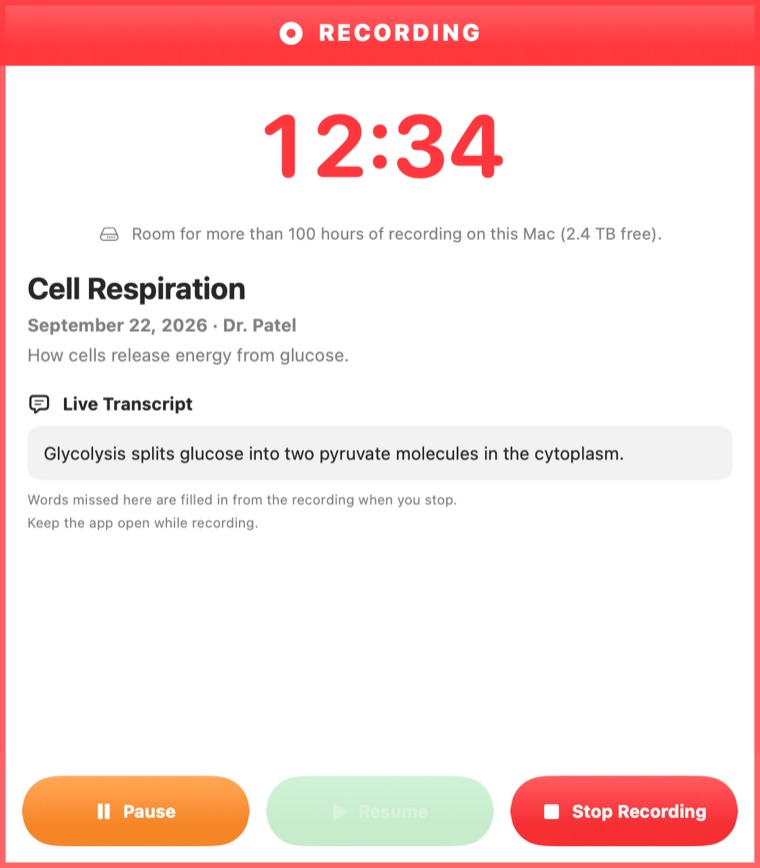
Find Sources →Record a lecture, even with your phone locked, and get a written transcript made on your device.
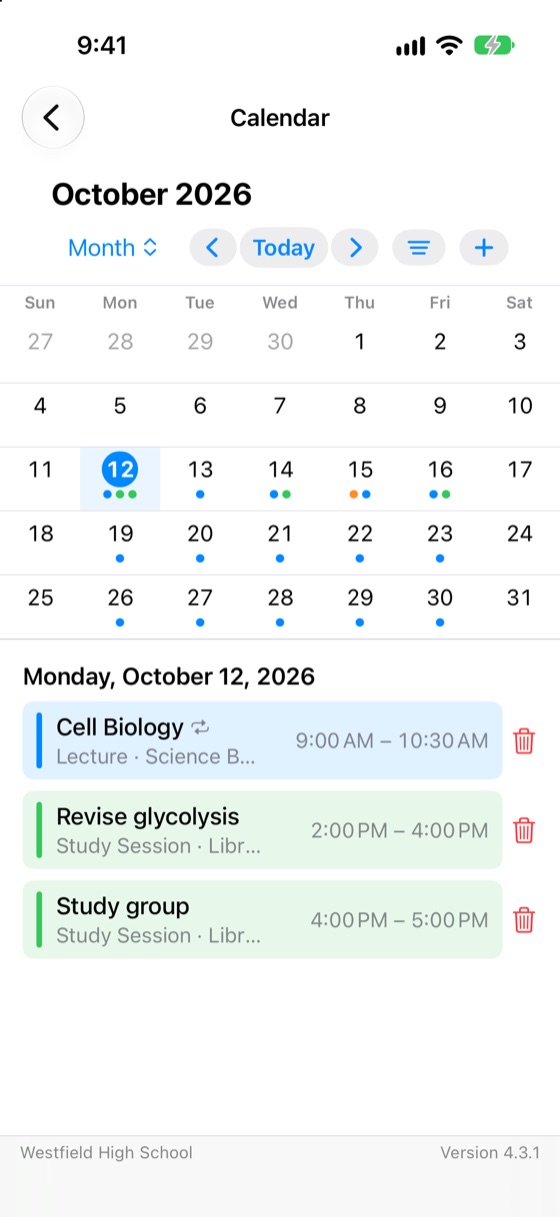
Lectures →Your own events beside your Apple calendars, with a lecture note for every lecture in one step.
Calendar →Everything syncs through your own iCloud. We can't see it, and there is nothing to sign up for.
Privacy →Sources and citations
Type in what you know about a source, and its reference appears underneath in your project's style, with the italics, punctuation and author order that style asks for.
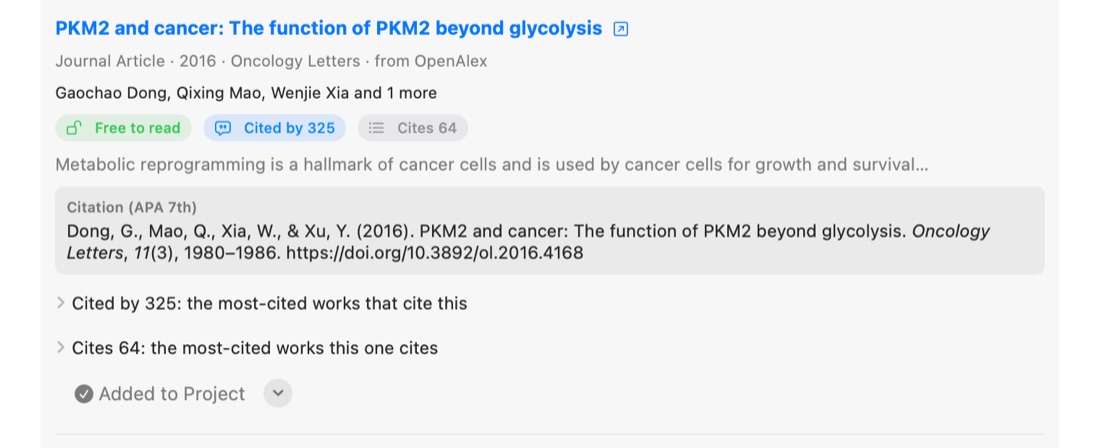
Find Sources
Find Sources searches OpenAlex, Crossref, Europe PMC, Open Library and arXiv, separately or all at once. Each result shows who wrote it, where it was published, whether it's free to read and how often it has been cited, with its reference already in your project's style.
Add a result to the project, add it for review, or reject it so it doesn't come back. Found something yourself? Paste its DOI or web address and the details are filled in.
Lectures
Tap the microphone on a lecture note and put your phone down. The recording carries on with the screen locked or another app open, and each one is saved to its lecture note with a transcript you can search.
Ask before you record. Many lecturers and institutions have rules about recording.
Calendar
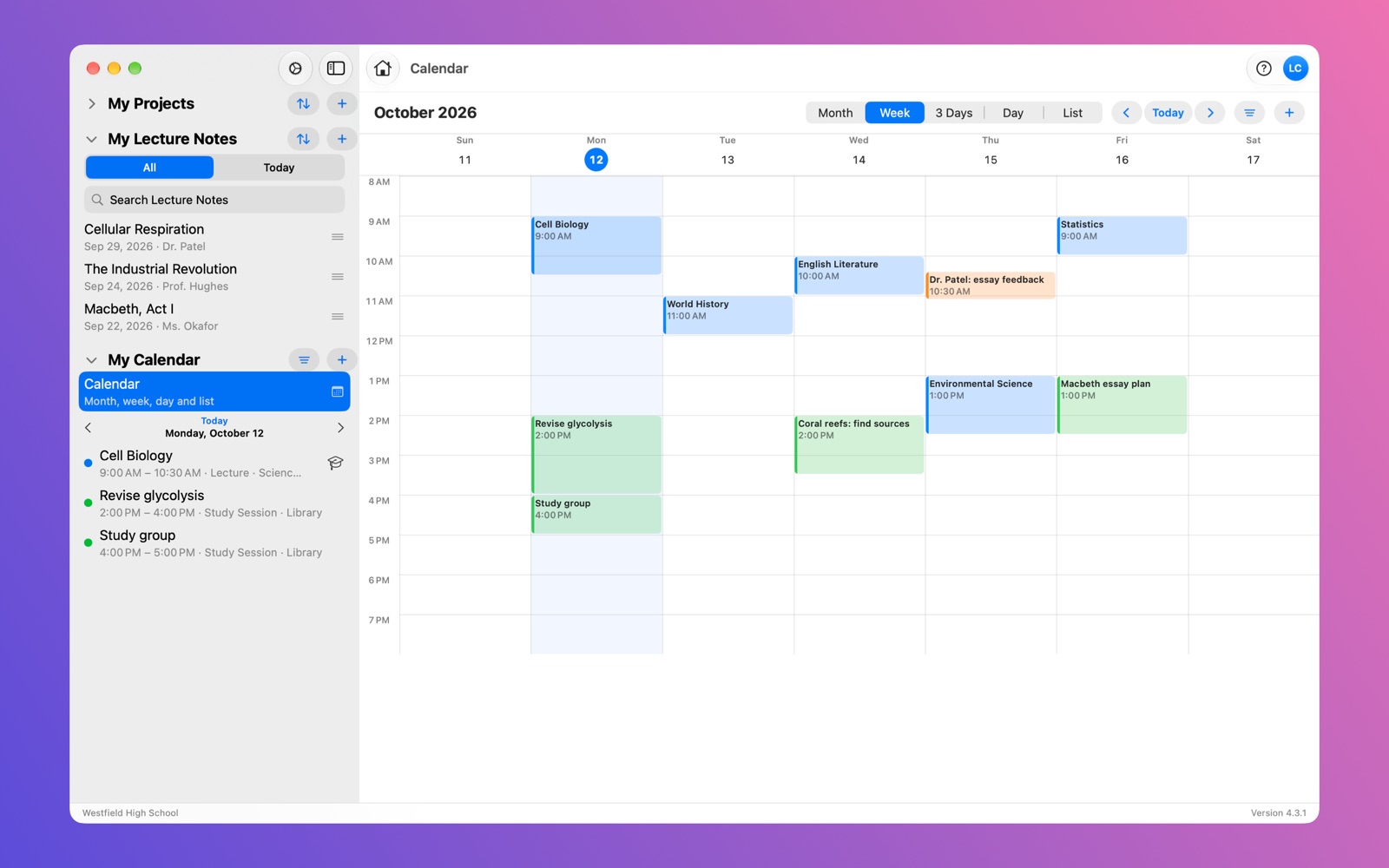
Month, week, three-day, day and list views of your events, in categories and colours you choose. Connect Apple Calendar and your other calendars show alongside.
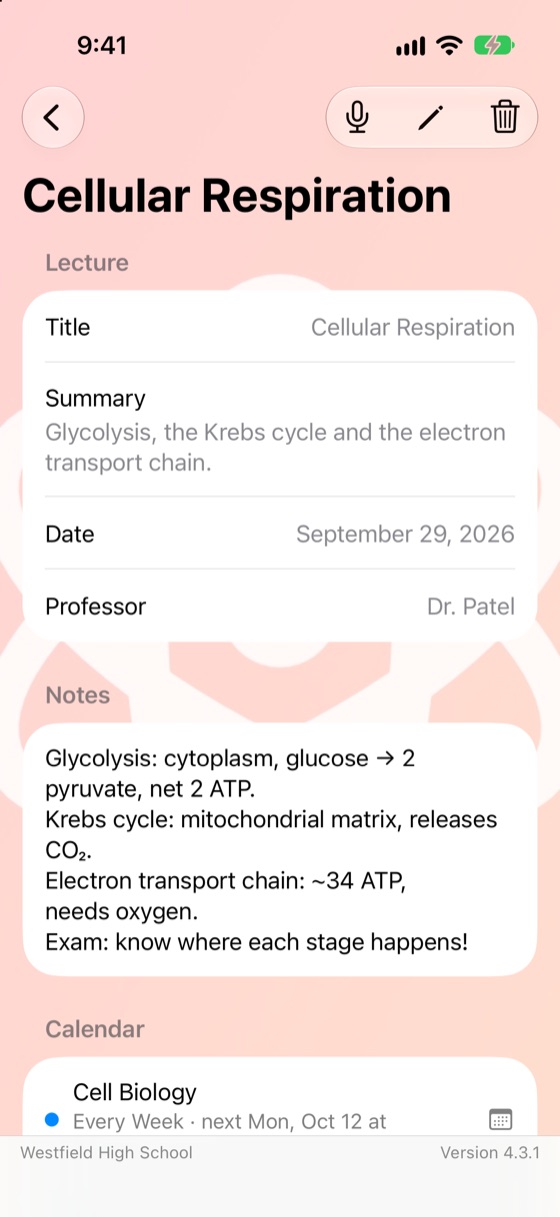
Tell the app which calendar is your course timetable and it makes a lecture note for every lecture in the dates you pick. Each event links to its note, and each note to its event.
Make it yours
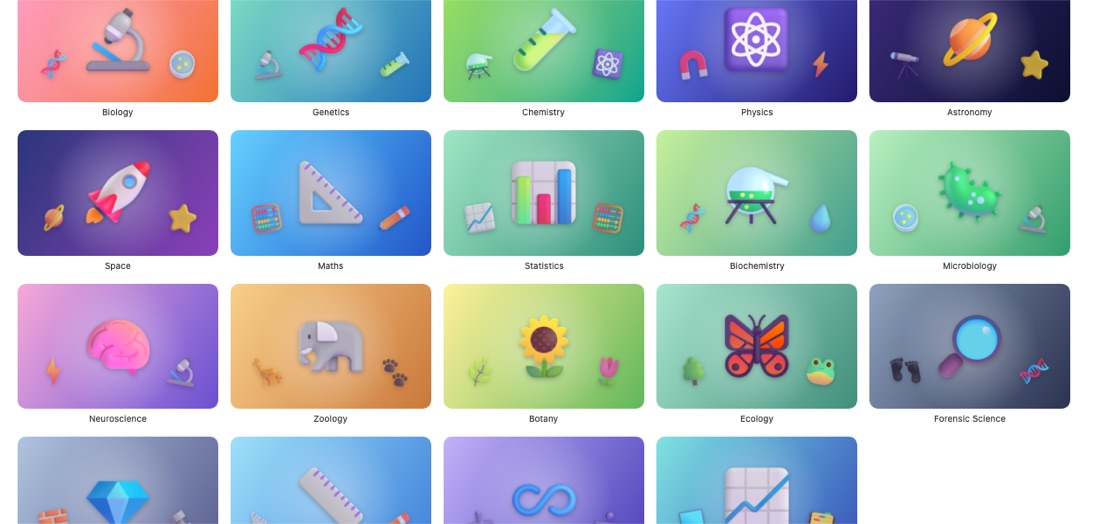
Give each project, source and lecture note a picture. Choose from the Image Gallery, arranged by subject from Archaeology to Zoology, or use a photo, a file or your camera.
On every device
Start a project on your Mac, add a source on your phone on the bus, record the lecture on your iPad. Changes reach your other devices through your own iCloud, usually within a minute.
Private by design
Your data, your decision
Archive & Restore saves everything to one ordinary .zip file that you keep wherever you like, and brings it back on any of your devices.
Reset clears your settings, or everything, when you move on to a new course.
Needs iOS or iPadOS 17 or later, or macOS 14 or later.


 myResearchQuill